Bring Lyrics to Life — And So Much More
Five Steps to an MV-Quality Karaoke Video
 01
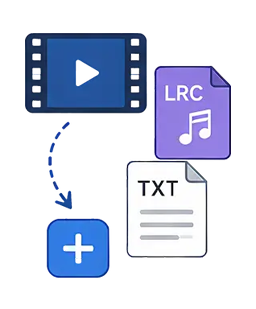
01Import Video, Create Lyrics
Supports LRC, Text, and more — automatically parses and generates timecoded lyrics
 02
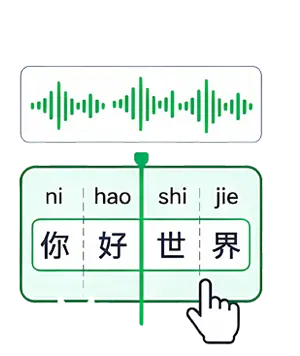
02Auto/Manual Syllable Splitting
Intelligent syllable detection with manual adjustment capability — accurate to each character/syllable
 03
03Select & Configure Karaoke Effects
Multiple karaoke effect presets — font, color, outline, glow, and more are freely configurable
 04
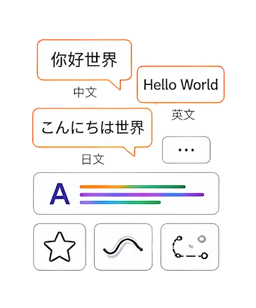
04Create Multi-Language Lyrics & Effect Animations
Supports multi-language lyric creation with additional effect animations
 05
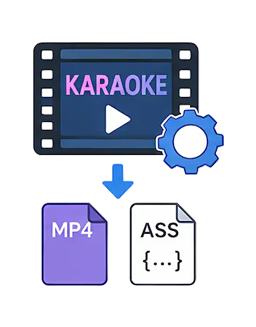
05Render & Export
Export karaoke video or ASS lyric files — compatible with all major players
Word-by-Word Highlighting — MV-Quality Sing-Along Lyrics
Choose from 50 animation types and switch freely between word-by-word and line-by-line rendering, with custom Emoji support. Create production-ready sing-along lyrics in minutes.
20 ANIMATIONS · WORD / LINE MODE
Every Detail Your Karaoke Lyrics Need
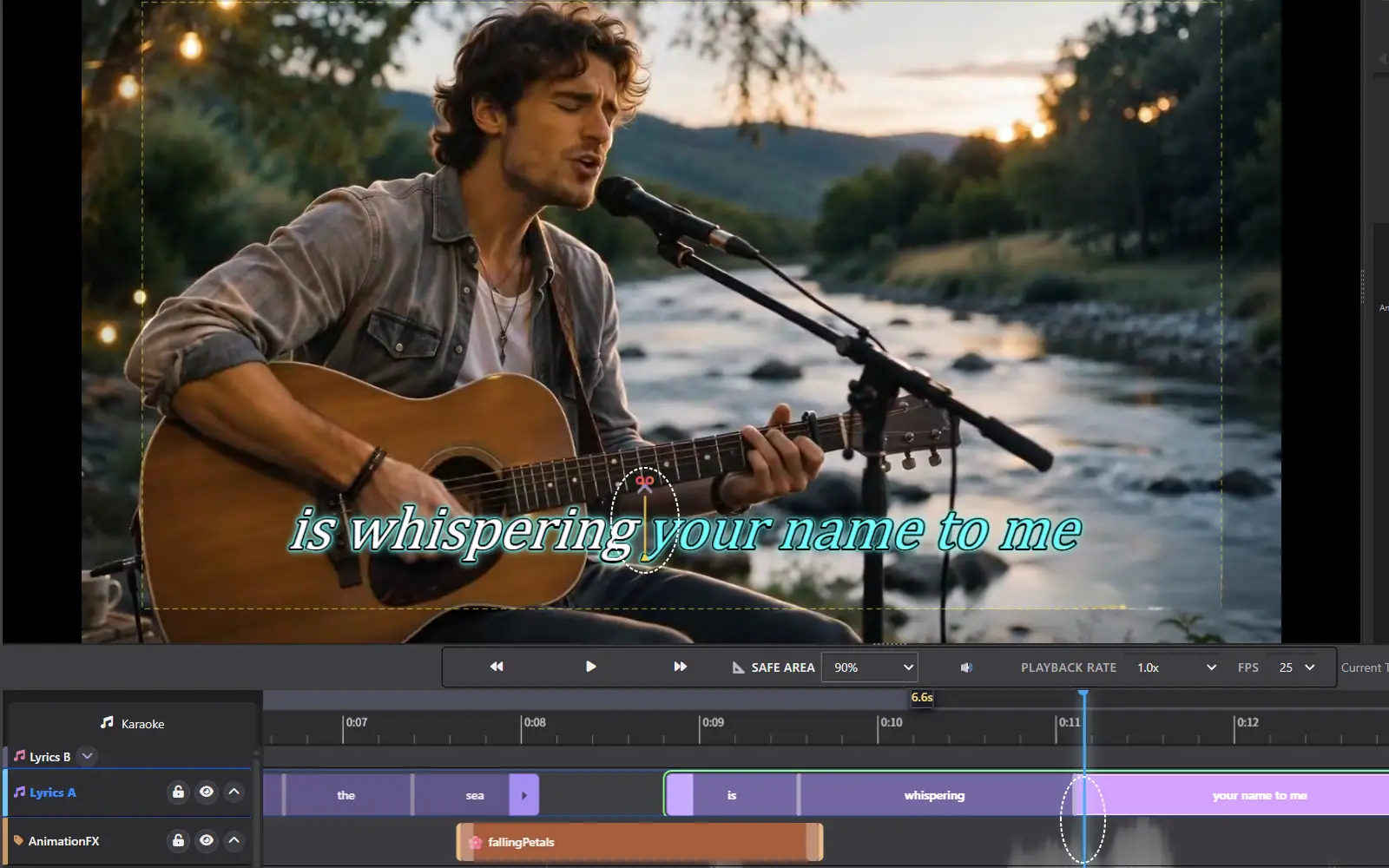
Word-by-Word Precision Timing
Manual timing via click or key press, supplemented by audio waveform display in the timeline view. Every syllable's entry, highlight, and exit aligns precisely with the beat — creating a fully immersive viewing experience where lyric rhythm and melody are in perfect harmony.
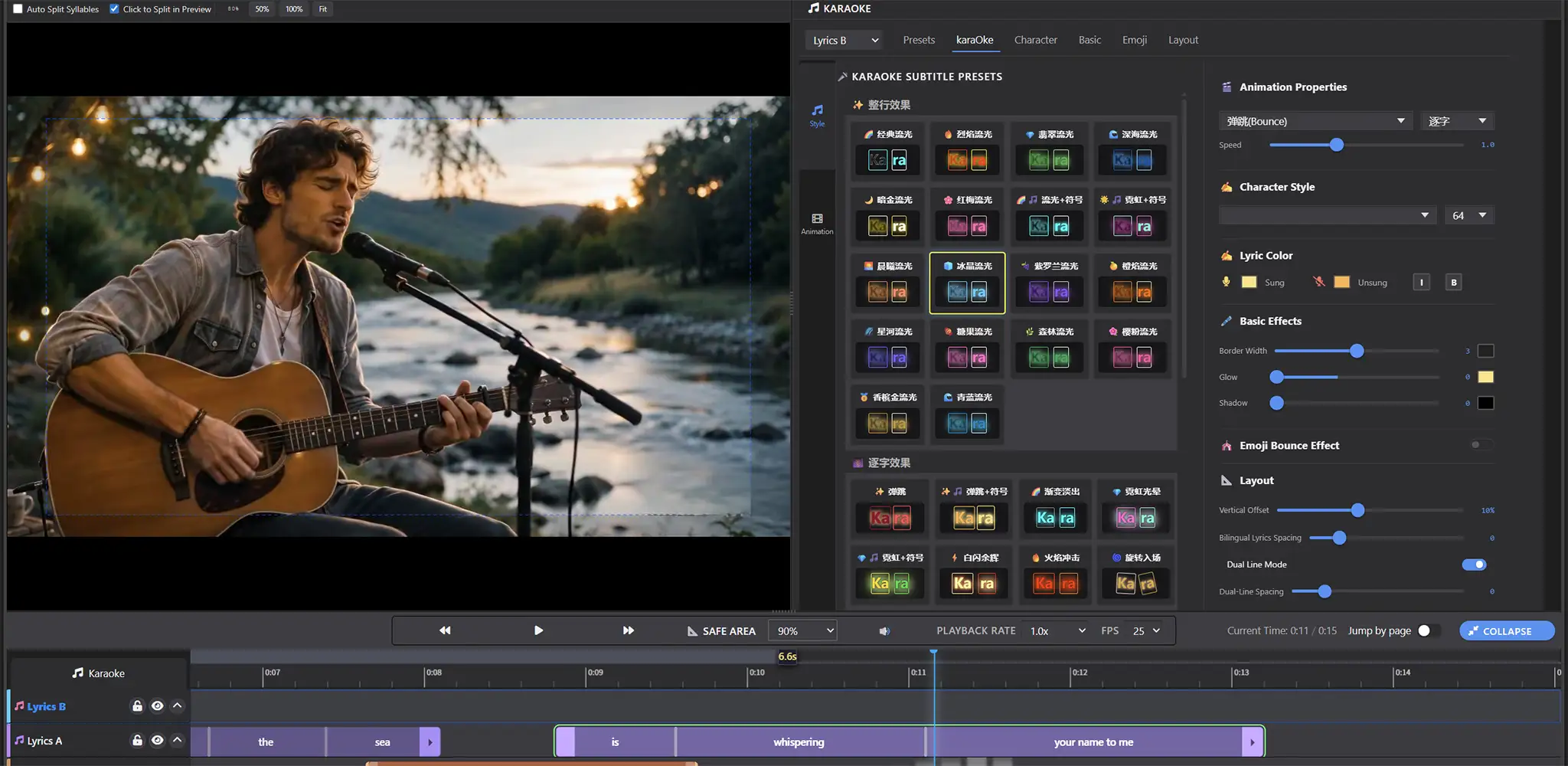
Powerful Effects Engine
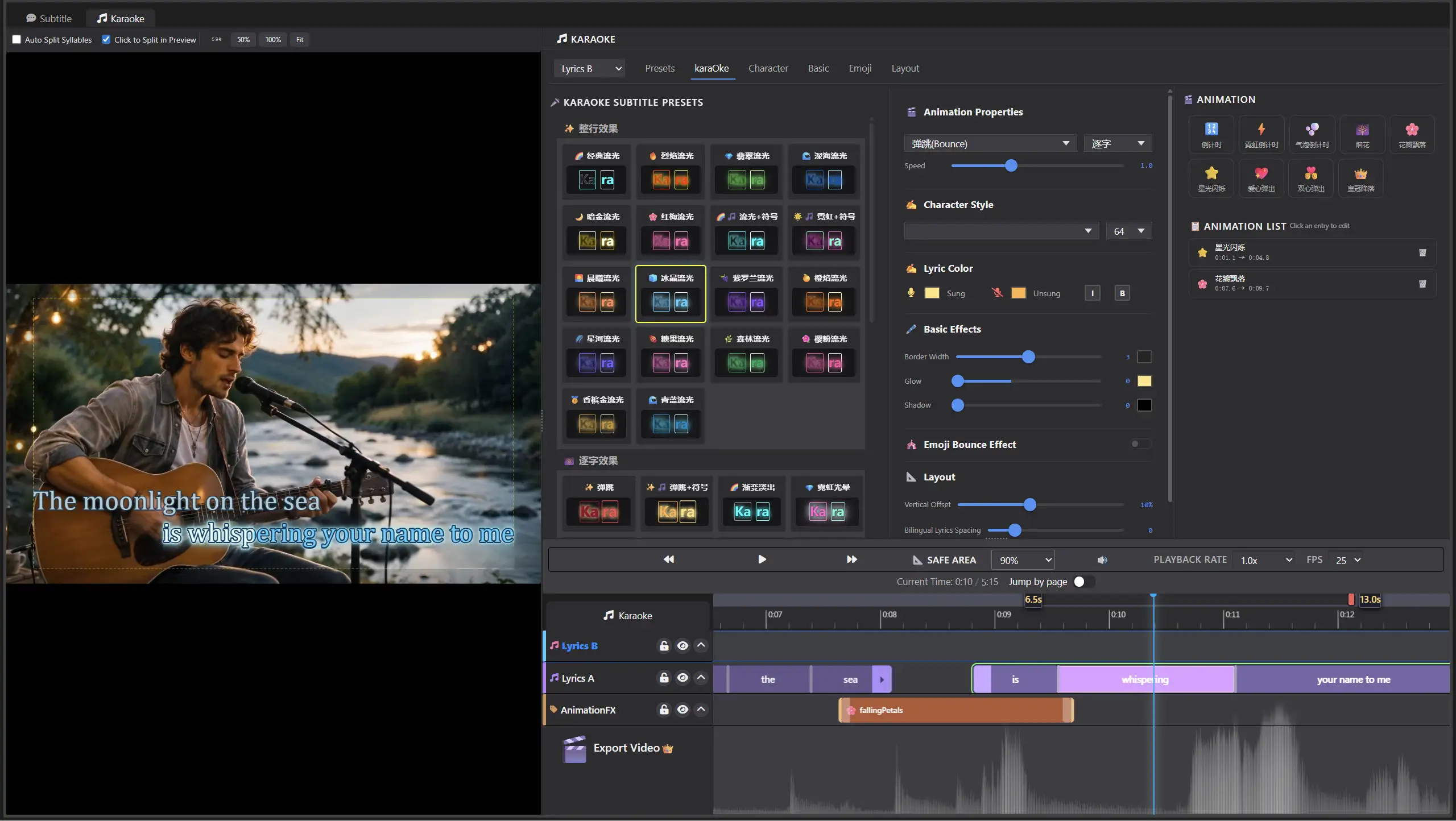
Supports both word-by-word and line-by-line dynamic lyric modes. Includes 20+ professionally designed karaoke preset animations — no coding required. Animation type, color, gradient, outline, glow, and other parameters are fully customizable, enabling the creation of professional-grade karaoke videos with ease.
Personalized Visual Expression
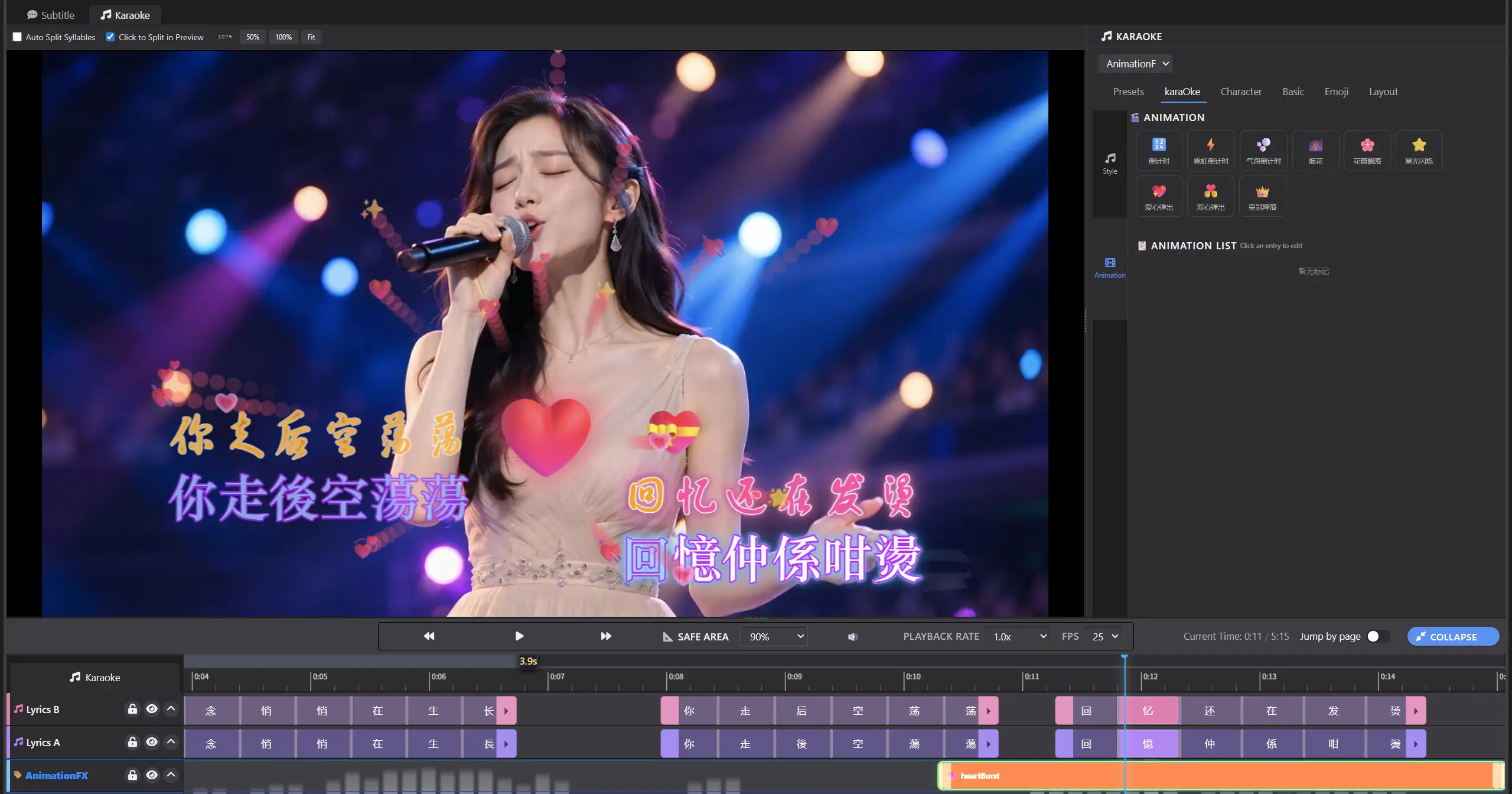
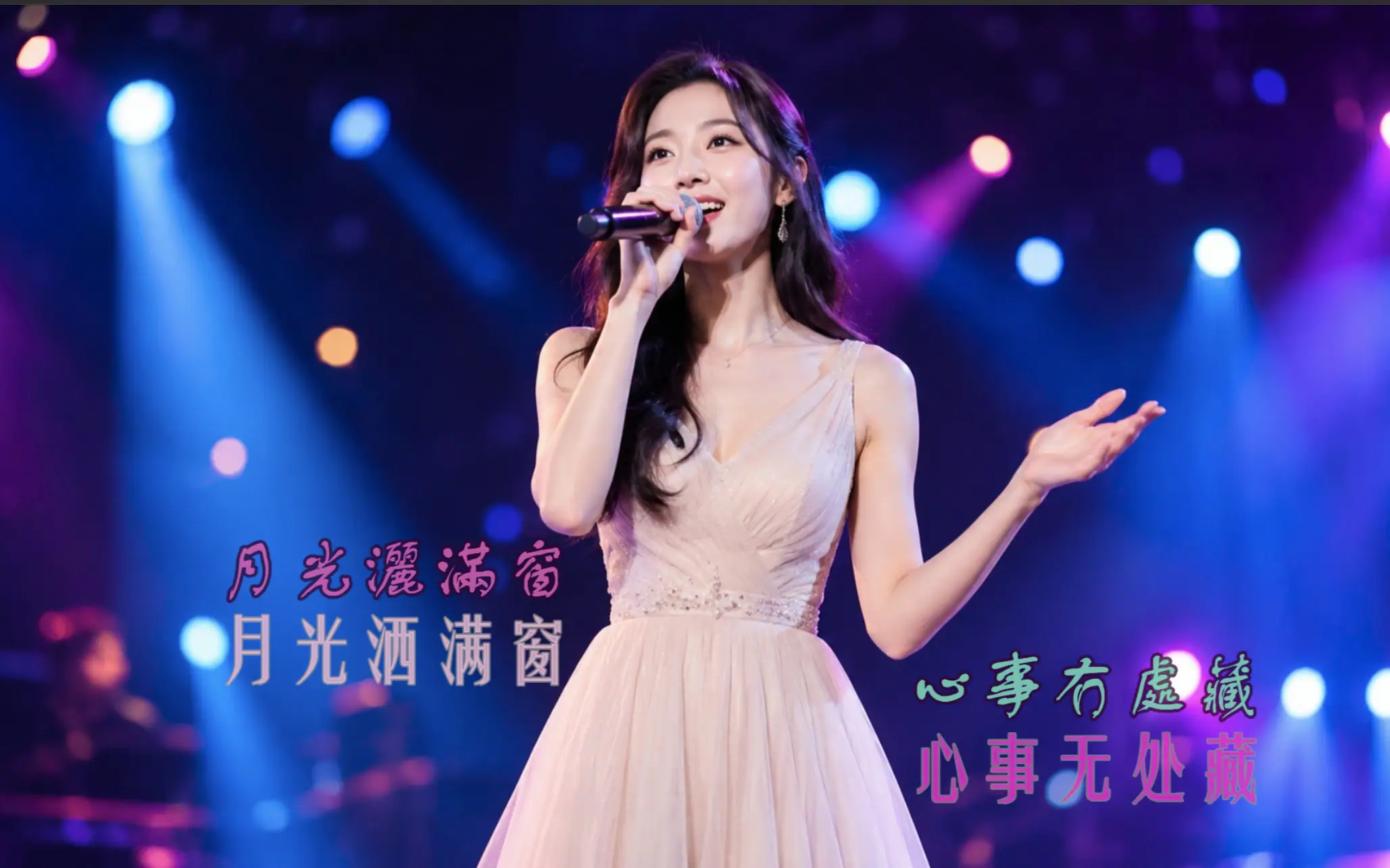
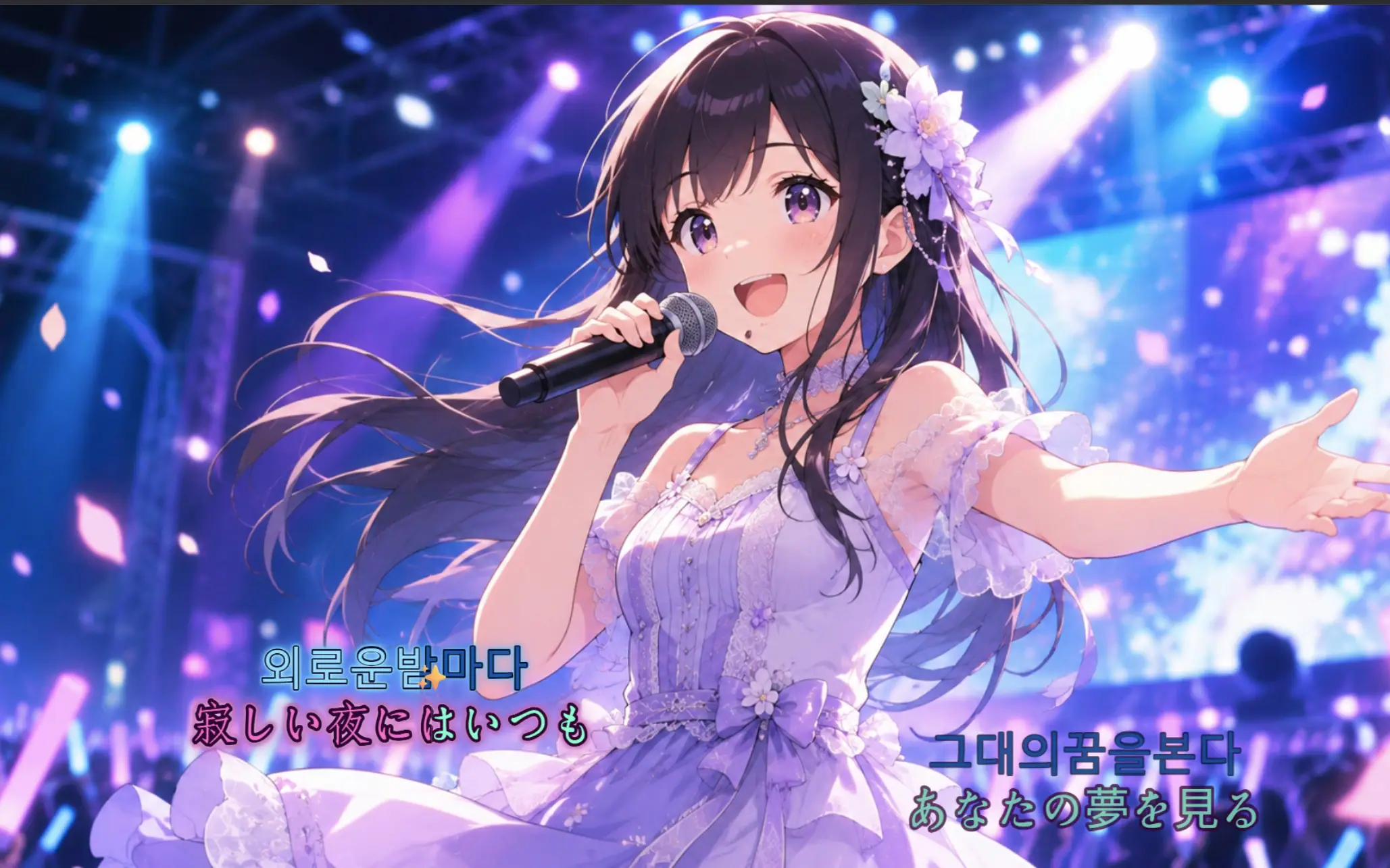
Dual lyric tracks enable effortless creation of bilingual (e.g., Chinese-English / Mandarin-Cantonese) karaoke videos. Choose between single-line or multi-line display modes, with flexible segmentation and pre-singing preview support. Custom Emoji animations can be overlaid on lyrics with various effects — combine visual elements freely to make your lyric effects uniquely expressive.
One-Click Burn to Video
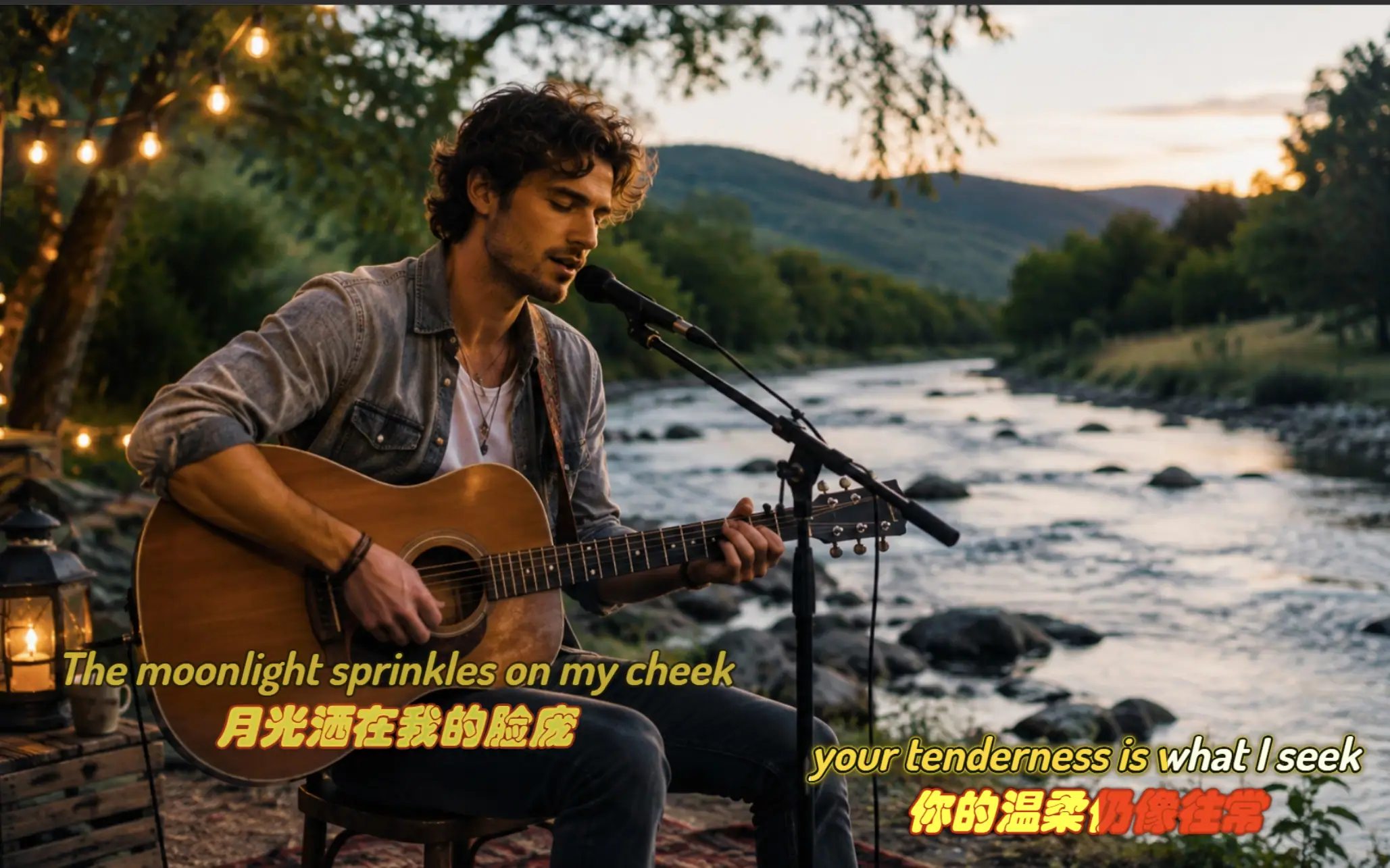
Karaoke lyric animations and effects can be rendered directly into the video and exported as MP4 with customizable resolution and bitrate — from production to final video in one seamless workflow, with no need for third-party tools.
Additional Features
LRC Import, Text-to-Lyrics
Import LRC files or convert subtitles to lyrics to automatically generate lyric lines. Also supports text import or manual line-by-line lyric entry.
Quick In-Video Timing
While playing the video, click on text in the preview to set timing points instantly — a single pass is often all it takes for slower songs.
Waveform + Auto Timing
Enable auto syllable splitting for automatic timing based on lyric content and duration. Fine-tune individual syllable timing markers using the audio waveform for precise beat-matching.
Karaoke Effects System
50+ preset effect styles included. Supports custom animation, color, outline, glow, and shadow — professional-grade visual effects ready to use out of the box.
Word / Line Rendering
Both word-by-word and line-by-line karaoke rendering modes — easily adapt to different music genres and lyric rhythm requirements.
Flying Emoji Effects
Custom Emoji symbols can follow lyrics with fly-in/fly-out animations, adding fun and personality to karaoke lyrics for a more lively presentation.
Bilingual Lyric Creation
Two built-in lyric tracks for on-screen bilingual display, with independent editing of each track's syllables and styles. Effortlessly create multi-language lyric effects.
One-Click Burn to Video
Karaoke mode renders effects directly into the video and exports to MP4 format with customizable resolution and bitrate — true WYSIWYG results.
Dedicated Keyboard Shortcuts
Preview karaoke playback at any time during editing — no need to switch back and forth between applications to verify results.
Frequently Asked Questions
The software automatically generates timing points for each character/syllable based on lyric line character count and duration. For fast-paced songs, this delivers beat-matched results right away. For slower songs or less clear pronunciations, the syllable splitting feature allows for localized refinement — eliminating the need for manual timing from scratch, with overall efficiency far exceeding purely manual production.
Yes. The software includes 50+ built-in karaoke lyric styles and Emoji animation presets. All styling and animation adjustments are made through visual interface selections and parameter sliders — no need to write or edit ASS script code. The underlying effect files are automatically generated by the software, so regular users never need to learn any script syntax.
Absolutely. Beyond the 50+ preset karaoke styles, font, size, color, gradient, outline, shadow, and glow are all freely adjustable. You can also overlay custom flying Emoji effects and sticker elements to create unique, personalized lyric effects that go beyond template limitations.
Not at all. The software provides two independent lyric tracks. You can create or import bilingual lyrics separately, or duplicate one track and use the built-in AI translation to automatically generate the second language. Bilingual creation and subsequent adjustments are all done within the same interface — no need to switch projects back and forth.
Yes. The karaoke lyrics and effects you see in preview are rendered directly into the video during export, generating a standard MP4 file with customizable resolution and bitrate. The exported video can be played directly on any media player, short-video platform, or live streaming setup — no additional plugins or post-processing required.